
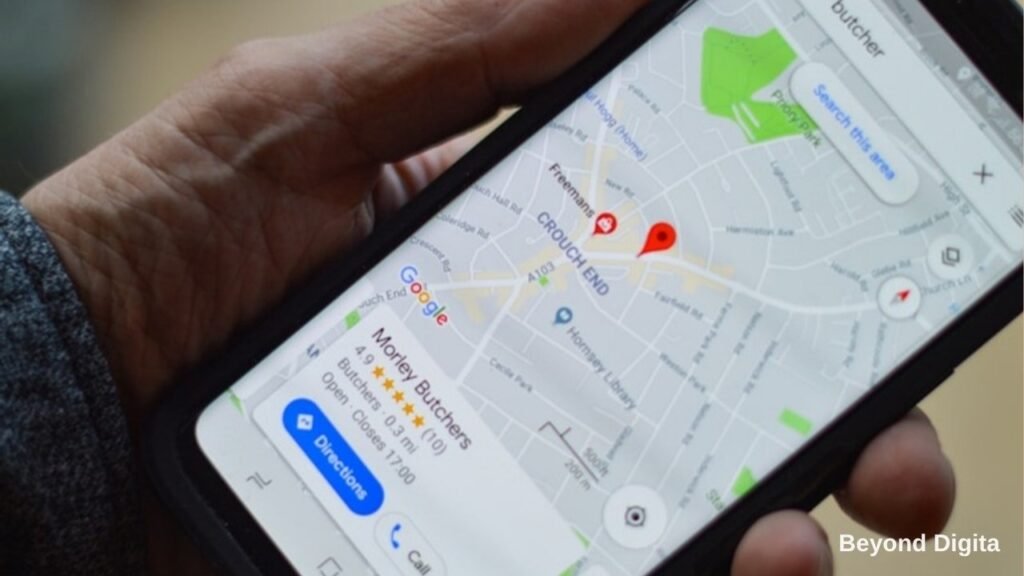
Quick answer: Google Business Profile optimisation in 2026 comes down to activity and authenticity. Google now treats profile freshness as a ranking signal, penalises stock and AI generated photos, has removed the Q and A feature, and can call your business on a customer’s behalf to check prices and availability. A profile that adds real photos weekly, replies to every review within a day, keeps categories, services and hours accurate, and posts an update each week will outrank a static profile with more reviews in most Indian local markets.
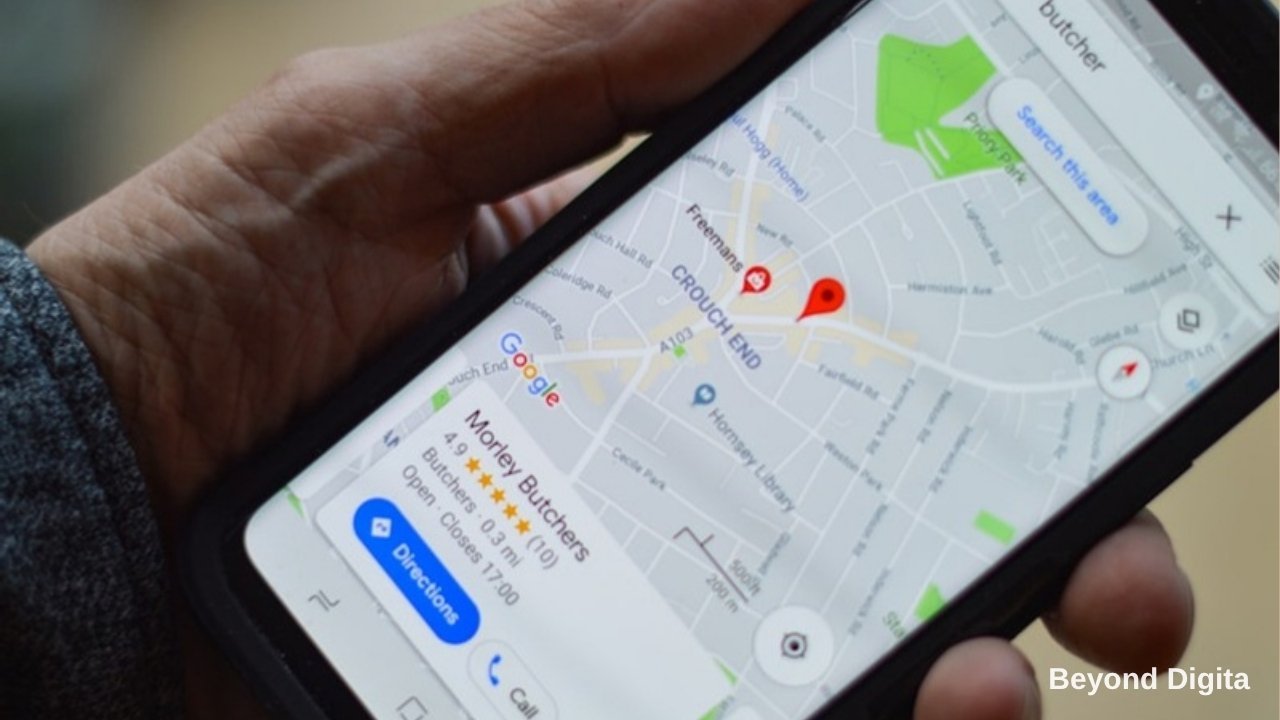
For clinics, showrooms, coaching centres, restaurants, contractors and professional firms, the local pack on Google Maps is where the calls come from. It is also the part of search least affected by AI Overviews, because Google still needs to send people to a physical business. This guide covers what changed in Google Business Profile optimisation this year and the weekly routine we run for local service clients through our local SEO service. It complements our broader SEO plan for small businesses in India.
What changed in Google Business Profile in 2026
Five changes matter most. First, the Q and A section has been discontinued, so the questions customers used to ask there now need answers in your business description, services list, posts and website FAQ. Second, freshness is now a visible ranking factor; profiles with no new photos, posts or edits for 30 days or more show measurable drops in views. Third, Google is actively down ranking stock photos and generic AI imagery in favour of real photos of your team, premises and work. Fourth, Google’s AI can now call businesses to confirm pricing, availability and hours for a searcher, which means an unanswered phone or a confused staff member costs you the customer before they ever visit. Fifth, Google is testing AI suggested replies to reviews, which are a useful starting point but should be edited so they sound like a person.
Get the fundamentals right first
Before any weekly routine, the profile needs a clean base. Follow Google’s guidelines for representing your business to the letter, and choose the most specific primary category available, for example “Orthodontist” rather than “Dentist” if that is your main work, and add secondary categories for other services. List every service with a short description and, where you can, a price range. Write a 750 character description that says what you do, who you serve, where you are and what makes you different, without keyword stuffing. Confirm your name matches your signage exactly, your address is formatted the way Google Maps formats it, and your phone number is a local number that is answered. Set special hours for festivals well in advance. Add your website, a booking link and WhatsApp where available. Verify the profile by video if Google asks; unverified profiles are heavily limited.
Photos and videos: real, recent and plentiful
Photos are the most underused lever in Google Business Profile optimisation. Aim for four to six new photos each week showing your team at work, finished projects, the shop front, interiors, products and happy customers with permission. Short videos of 15 to 30 seconds, walk throughs and 360 degree images now earn extra weight. Name files descriptively before uploading, geotag where possible, and never upload stock imagery. For a car dealership that might be daily delivery photos; for a clinic, the reception, the equipment and the doctor; for a manufacturer, the shop floor and dispatch.
Reviews: volume, recency, detail and replies
According to Google’s local ranking guidance, Google weighs four things about Google reviews: how many you have compared with competitors, how recent they are, how detailed they are, and whether you reply. Build a habit of asking every satisfied customer for a review at the moment of delivery, using a short link or QR code, and ask them to mention the specific service. Reply to every review within 24 hours, thanking positive reviewers by name and addressing negative ones calmly with an offer to resolve offline. Detailed reviews that mention services help you rank for those services and are summarised by AI tools when they recommend businesses. Never buy reviews; Google’s detection has improved and suspensions are hard to reverse.
A weekly routine for Google Business Profile optimisation that takes under an hour:
- Monday: Upload four to six real photos or one short video from the past week.
- Tuesday: Publish one post: an offer, a completed project, a new arrival or a useful tip, with a call to action button.
- Wednesday: Reply to every new review and message; request reviews from last week’s customers.
- Thursday: Check that hours, phone, services and prices are current; add special hours for upcoming holidays.
- Friday: Review the performance tab for searches, calls, direction requests and website clicks, and note what changed.
Connect the profile to your website and listings
Your profile ranks better when the website it links to has a matching location page with the same name, address and phone, LocalBusiness schema, embedded map, service descriptions and reviews. Consistent listings on Justdial, Sulekha, IndiaMART, Practo or industry directories reinforce the signal. Track calls and direction requests as conversions so you can compare the profile with paid channels; for most local businesses in India it will be the cheapest lead source they have. For help setting up local SEO and profile management for one or many locations, contact Beyond Digita or see our local SEO services.
Related reading and sources
Your profile works best when the website behind it is in order, so read our SEO plan for small businesses in India and our guide to getting cited in AI Overviews and ChatGPT, since AI tools lean heavily on profile data and reviews. See our local SEO and Google Business Profile management service and our local service business page.
Official references used in this article:
- Google Business Profile Help: improve your local ranking on Google.
- Google Business Profile Help: guidelines for representing your business.
- Google Business Profile Help: photo and video guidelines.
- Google Business Profile Help: read and reply to reviews.
Categories: the single biggest ranking lever
Your primary category does more to decide which searches you appear for than anything else on the profile. Choosing “Marketing agency” instead of “Internet marketing service” can remove you from an entire set of queries overnight.
- Pick the most specific primary category that describes your main service. Specific beats broad — “Dental clinic” outperforms “Doctor” for dental searches.
- Add secondary categories for genuine additional services only. Irrelevant extras dilute relevance and can trigger a quality review.
- Check what your top-ranking competitors use. Their primary category is visible on their profile and tells you what Google associates with those results.
- Review categories every few months. Google adds and renames categories regularly, and new ones often have less competition.
Services, products and attributes: the fields most businesses leave blank
Google matches queries against the text inside your profile, not just your category. Empty fields mean missed matches.
- Services: add every service as its own entry with a two-line description and a price or price range. A clinic listing “root canal treatment” with a description will surface for that search; one listing only “Dentist” will not.
- Products: service businesses can list packages here too, with photos and prices. It occupies more of your profile real estate and converts well.
- Attributes: wheelchair accessible, online appointments, accepts UPI, women-led, free parking. Several of these are filter options buyers use, so missing them removes you from filtered results.
- Opening date: an older opening date signals establishment and is a small trust factor.
Messaging, booking and the speed that wins the lead
Enabling messaging puts a chat button on your listing and your response time becomes publicly visible. For Indian local businesses this is often the difference between winning and losing an enquiry, because the first business to reply usually gets the job.
- Turn on messaging only if someone will genuinely monitor it — a slow response time displayed publicly is worse than no messaging.
- Set up quick replies for your five most common questions: price, timings, location, availability, payment methods.
- Add a booking link if you take appointments. Google surfaces it prominently and it removes a step for the customer.
A monthly maintenance routine that takes under an hour
| Week | Task | Time |
|---|---|---|
| Week 1 | Upload 3–5 fresh photos of real work, team or premises | 15 min |
| Week 2 | Publish one Post — an offer, completed job or seasonal note | 10 min |
| Week 3 | Request reviews from recent happy customers; reply to all new ones | 20 min |
| Week 4 | Check Insights, answer new Q&A, verify hours and services are current | 15 min |
Weekly Posts are the easiest of these to keep up and the most often skipped — we cover what to write and a month of ideas in our guide to Google Business Profile Posts.
Consistency matters more than volume. A profile updated every week outranks one updated heavily twice a year.
If your profile gets suspended
Suspensions are common and usually fixable, but appealing without fixing the cause makes reinstatement slower.
- Most common causes: keywords stuffed into the business name, an address that is a virtual office or residence without signage, a category that does not match the business, or too many edits in a short period.
- Fix first, appeal second. Correct the violation, then submit the reinstatement form with photos of signage, a utility bill and your registration documents.
- Never create a duplicate listing while suspended — it compounds the problem and can make the suspension permanent.
For a full local strategy beyond the profile itself, see our guide to local SEO in Delhi NCR, or our local SEO service if you would rather have this managed for you.
Frequently asked questions about Google Business Profile optimisation
How often should I post on Google Business Profile?
At least once a week, with new photos in the same week. Google now treats freshness as a signal, and profiles inactive for 30 days or more lose visibility.
Why did the Q and A section disappear from my profile?
Google discontinued the Q and A feature in 2026. Move common questions into your business description, services, posts and the FAQ on your website.
Do stock photos hurt my Google Business Profile?
Yes. Google favours real photos of your business, team and work, and generic or AI generated images now perform worse. Replace stock images with recent photos taken on site.
How many reviews do I need to rank in the local pack?
Enough to be competitive with the top three businesses in your category and area, with steady new reviews each month. Recency, detail and replies matter as much as the total count.
What is Google’s AI calling feature for businesses?
Google can phone a business on a searcher’s behalf to check prices, availability or hours and relay the answer. Businesses should ensure the listed number is answered and staff can give clear answers.
Can I manage multiple locations efficiently?
Yes. Use a business group in the Google Business Profile manager, a shared photo and post calendar, location specific pages on your website, and a review request process at each branch.